
Supercharge Your Creative Workflow Beyond Clunky Shortcuts
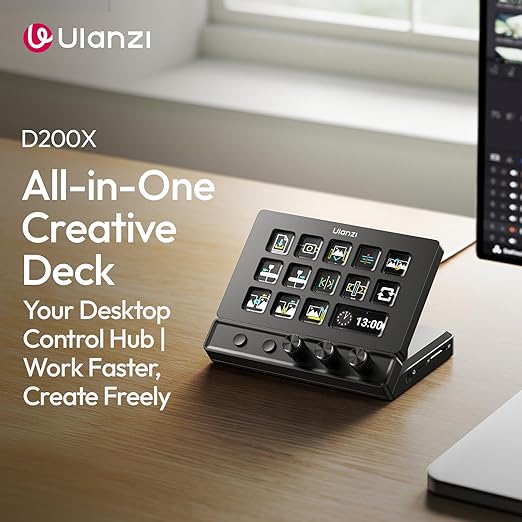
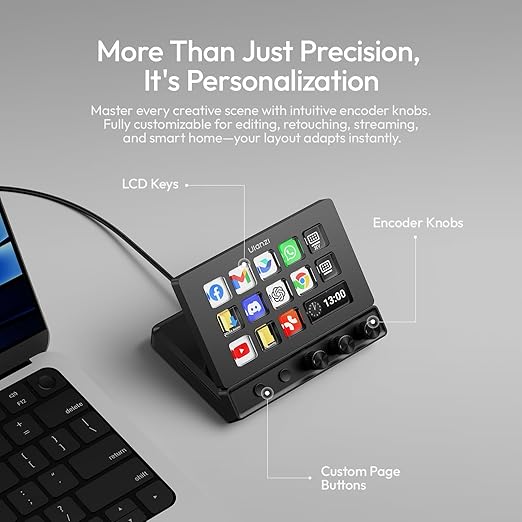
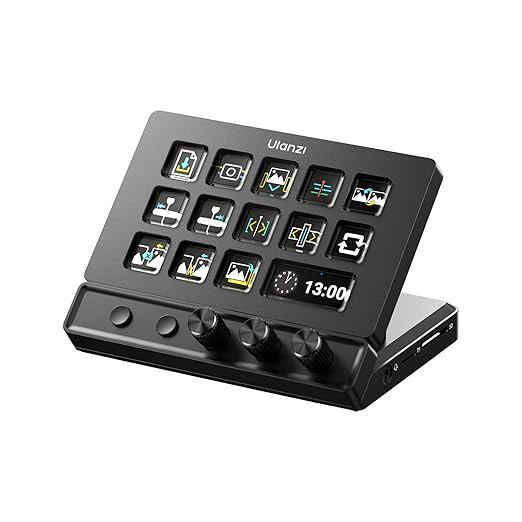
You can now stop memorizing endless, confusing keyboard shortcuts while editing videos or running live streams. The Ulanzi Desktop Stream Controller provides an incredibly intuitive, highly visual way to control your favorite creative programs. Because each physical button is a tiny, customizable LCD screen, you can assign personalized icons, GIFs, and text labels to every key. Consequently, your most-used commands, transitions, and audio clips are always visible and instantly accessible. It is the ultimate productivity desk weapon for YouTube streamers, music producers, and professional video editors.
Two Dynamic Model Variations Built to Match Your Workspace
We offer this advanced custom control interface in two distinct configurations to suit your technical setup:
Option 1: Ulanzi D200 Stream Controller (The Standalone Master)
This standard version is engineered specifically for creators who already have dedicated USB expansion hubs on their desks. It offers an incredibly clean, low-profile design that focuses entirely on tactile, customizable software control.
Best For: Streamers and editors looking for a compact, dedicated macro pad to run OBS Studio, DaVinci Resolve, or Spotify.
Key Feature: Pure, lag-free software control with customizable visual feedback screens and a highly stable desktop footprint.
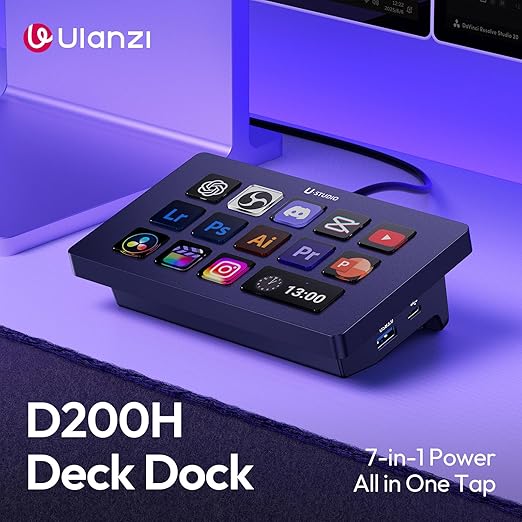
Option 2: Ulanzi D200H Deck Dock (The Ultimate Hub Station)
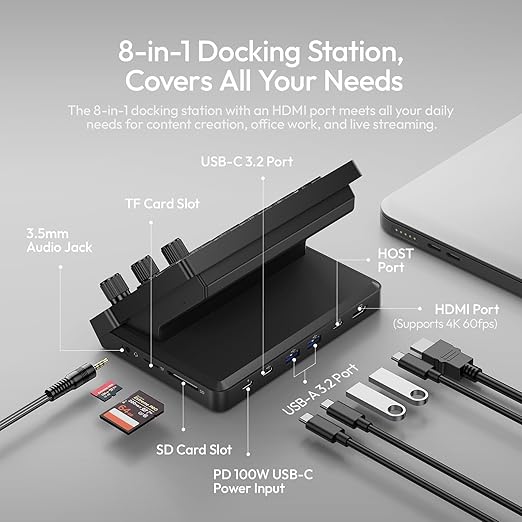
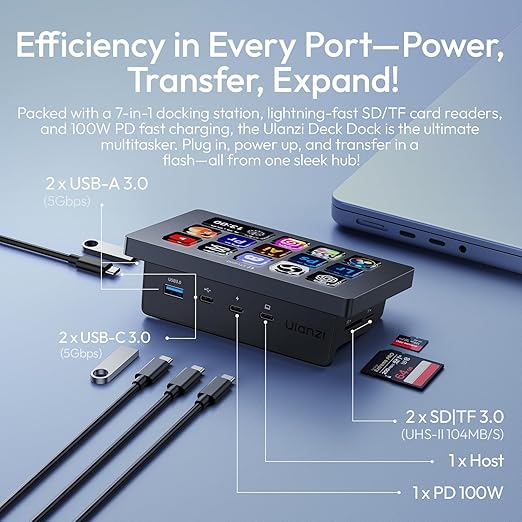
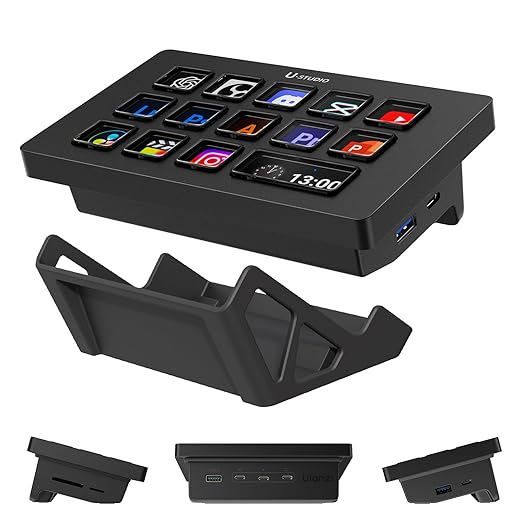
This premium variation combines the power of visual macro keys with a robust, integrated high-speed desktop connection hub. Because it features USB ports right on the chassis, it saves valuable ports on your host computer.
Best For: Creators with minimal computer ports who need to connect external SSDs, keyboards, and microphones directly at their desks.
Key Feature: An all-in-one desktop command station featuring high-speed data transmission ports alongside customizable LCD screens.
Deep Software Integration and Infinite Visual Customization
You will no longer have to struggle with complex programming scripts to map your controls. The official companion software makes setting up your Ulanzi Desktop Stream Controller a remarkably simple process. Therefore, you can drag and drop pre-configured actions for OBS, Twitch, TikTok, and Adobe Creative Suite directly onto your virtual buttons. Furthermore, you can create infinite pages of keys for different software applications. Consequently, the controller automatically switches its visual layout the moment you launch a new program on your PC or Mac.
Tactile Feedback with Sleek Ergonomics and High Stability
Do not settle for virtual touchscreens that offer zero tactile feedback during intense, live broadcast moments. Each custom LCD key on this premium deck delivers a crisp, highly satisfying physical click when pressed. In addition, the durable outer housing features a fixed, ergonomic viewing angle designed to reduce wrist strain over long working sessions. Because the bottom plate is lined with wide, non-slip rubber grip pads, the unit remains perfectly stable on your desk during rapid keypresses. Finally, the fast, detachable USB-C cable connection ensures simple packing and long-term cord durability.
Product Specifications Table
| Feature | D200 Standard Details | D200H Hub Deck Details |
| Model SKU | Ulanzi D200 (Standard) | Ulanzi D200H (Hub Deck) |
| Customizable Keys | 15 x Programmable LCD Keys | 15 x Programmable LCD Keys |
| Integrated USB Hub | No (Pure control deck) | Yes (High-speed USB-A & USB-C ports on side) |
| Connection Interface | USB-C to Host PC/Mac | USB-C to Host PC/Mac (supports data pass-through) |
| Software Support | OBS, Streamlabs, Twitch, Adobe Suite | OBS, Streamlabs, Twitch, Adobe Suite |
| Base Stabilization | High-grip non-slip silicone pads | High-grip non-slip silicone pads |
| System Compatibility | Windows 10/11 & macOS 10.15 or later | Windows 10/11 & macOS 10.15 or later |



Reviews
There are no reviews yet.